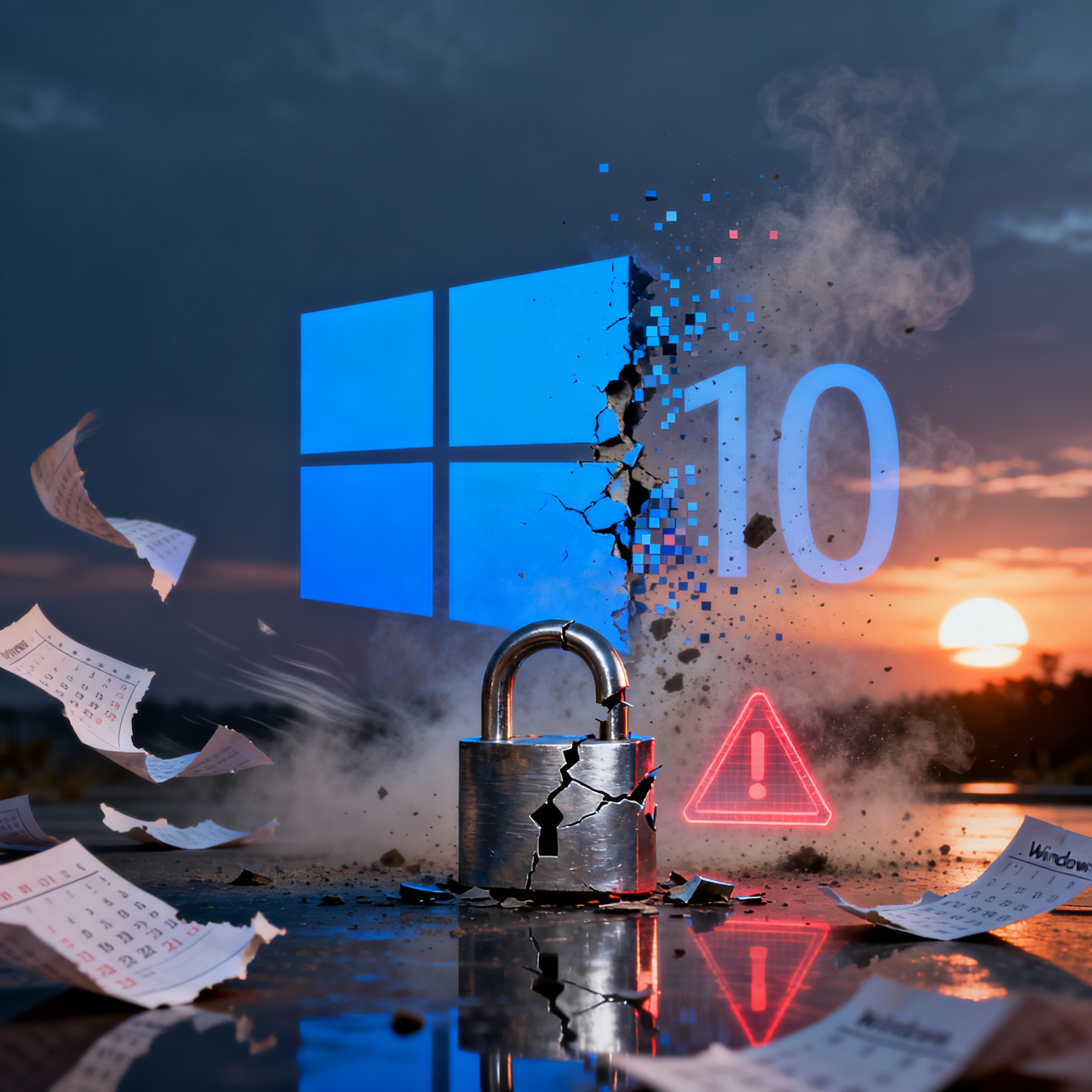
Windows 10 Support Ends October 14, 2025
Microsoft will officially end support for Windows 10 on October 14, 2025. After that, there will be no new security updates, patches, or technical assistance. (Official Microsoft Announcement)
Continuing to run Windows 10 beyond this date can expose your system to security risks and software incompatibilities. While Microsoft offers limited Extended Security Updates (ESU) for enterprise environments, most home users and small businesses should upgrade to Windows 11 as soon as possible.
Why Some PCs Are Labeled “Incompatible”
Microsoft’s Windows 11 installer checks for:
- TPM 2.0 and Secure Boot
- UEFI firmware
- Newer CPU generations
- Minimum RAM and storage thresholds
Unfortunately, this means many otherwise capable computers get blocked from upgrading — even though they’re more than powerful enough to run Windows 11 smoothly.
How Chris Titus Tech Demonstrates Windows 11 Installs on Older PCs
You don’t have to throw out a perfectly good computer. Tech expert Chris Titus Tech has shown in multiple videos how to install and optimize Windows 11 on older or “unsupported” hardware safely and effectively.
One of his most popular videos — “Installing and Using Windows 11 on a 10-Year-Old PC” — shows that with the right preparation, bypassing compatibility checks is both possible and stable. His tutorials cover:
- How to create a Windows 11 installer that skips TPM and Secure Boot checks
- Registry modifications to bypass hardware validation
- Post-install performance tweaks for smoother operation
- Privacy and telemetry adjustments to optimize speed and security
His approach has helped thousands of users keep older machines alive without losing Microsoft’s modern features and performance benefits.
Tiny11 — The Lightweight Option
For systems that truly can’t handle full Windows 11, there’s Tiny11 — a community-developed, streamlined version of Windows 11 that removes unnecessary apps and features. It’s fast, minimal, and ideal for older machines.
Check out Chris Titus Tech’s overview and installation guides for Tiny11 on his channel: Chris Titus Tech — Windows & Optimization Playlist.
Pros:
- Runs on older hardware with limited RAM or storage
- Much faster boot and performance than stock Windows 11
- Cleaner interface, no bloat
Cons:
- Not officially supported by Microsoft
- Updates must often be applied manually
- May require custom drivers or tweaks
At Augusta Technology, we only recommend Tiny11 when traditional Windows 11 installations are truly not feasible.
How Augusta Technology Helps You Upgrade
We specialize in Windows 11 upgrades for any PC, even those marked “incompatible.” Serving Augusta, Washington, New Melle, Defiance, Dutzow, Marthasville, and Lake St. Louis, we’ve helped dozens of users extend the life of their computers safely and affordably.
Our process:
- Hardware Compatibility Check – CPU, BIOS, TPM, Secure Boot, and storage validation.
- Data Backup & Protection – Full backup to prevent data loss during upgrade.
- Safe Bypass Installation – We use proven methods to install Windows 11 securely.
- Optimization & Testing – Drivers, updates, and system tuning for top performance.
- Post-Upgrade Support – We help you adjust settings, apps, and ensure stability.
Don’t Wait Until It’s Too Late
Windows 10 will reach its End of Life before you know it. Upgrading now ensures your data, business, and privacy remain secure. Whether you’re interested in a full Windows 11 upgrade or exploring Tiny11 for older hardware, we can help you find the best path forward.
Contact Augusta Technology today for a free system compatibility check or Windows 11 upgrade consultation.